
AI can make a presentation sound finished.
It can smooth the grammar, clean up the transitions, and turn rough notes into professional paragraphs. Suddenly the deck has the surface of competence.
That is useful. It is not the same as making the decision visible.
A presentation can be fluent, accurate, and visually tidy while leaving the audience unsure what they are meant to decide, approve, fund, discuss, test, or do next.
The wording is polished. The judgment is still hiding in the furniture.
The broader case for human review is covered in Your AI-Made Presentation Still Needs a Human Review. This article starts with one narrower question: can the audience see what needs deciding?
Fluency is not the same as a usable decision path
When people review an AI-assisted presentation, they often start with the language:
- Is the grammar correct?
- Does this sound professional?
- Are the transitions smooth?
- Does the tone feel confident?
Those questions matter. They are not the whole review.
The question I would put first is:
What should the audience be able to decide after this presentation?
That does not always mean formal approval. The audience may need to choose an option, align on a direction, agree to a test, or identify the next question.
Not every presentation needs a hard sell. The audience does need to know what they are meant to do with the information.
A polished presentation can still bury the ask
Consider this illustrative example:
Buried ask: “This proposal explores several options for improving regional expansion over the next two quarters.”
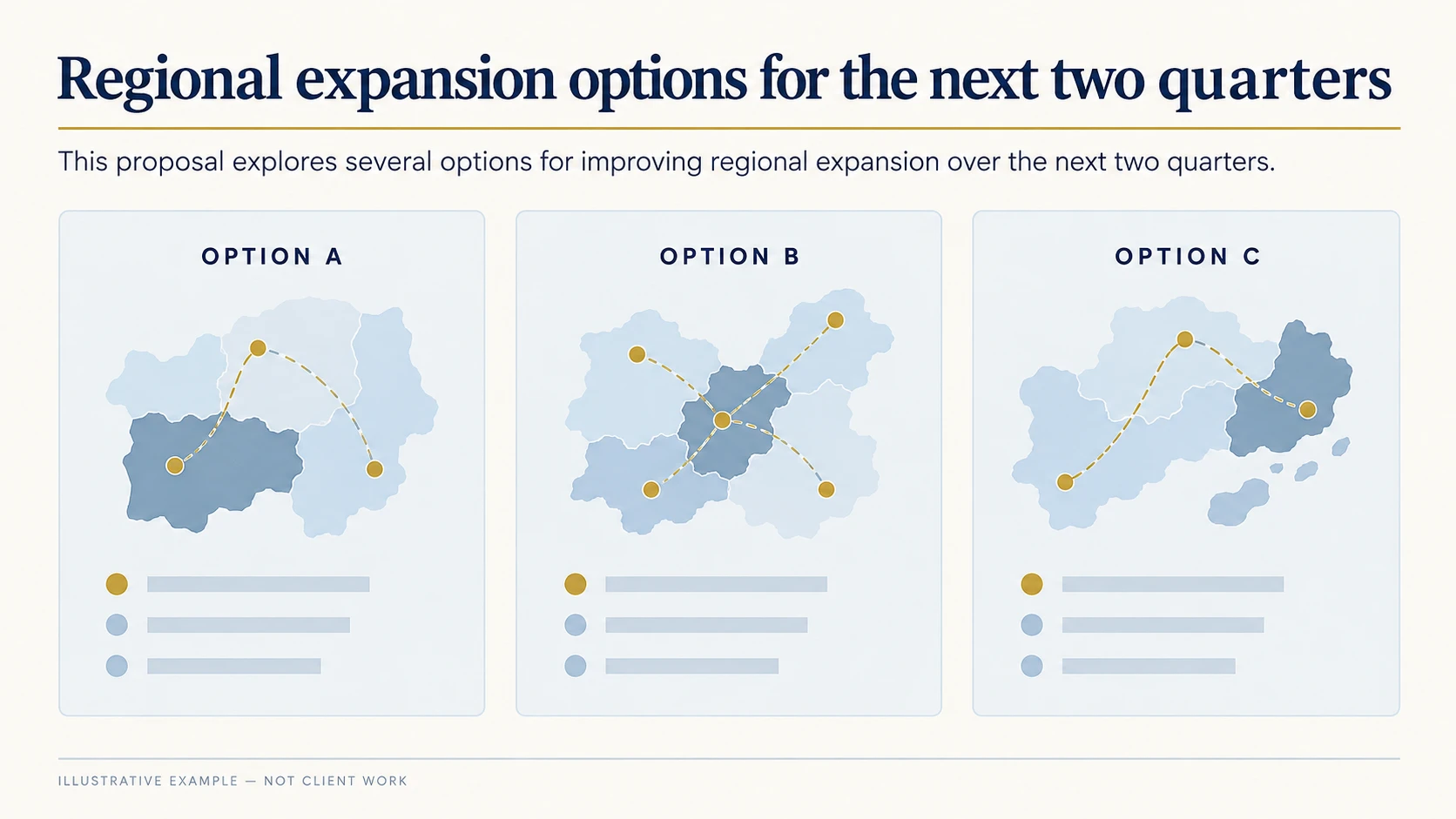
Illustrative example, not client work.
It sounds reasonable. It may even be accurate. But the audience still has to work out what the presentation is asking them to do.
Now make the judgment visible:
Visible ask: “We recommend Option B for the next two quarters. Today we need approval to begin the pilot.”
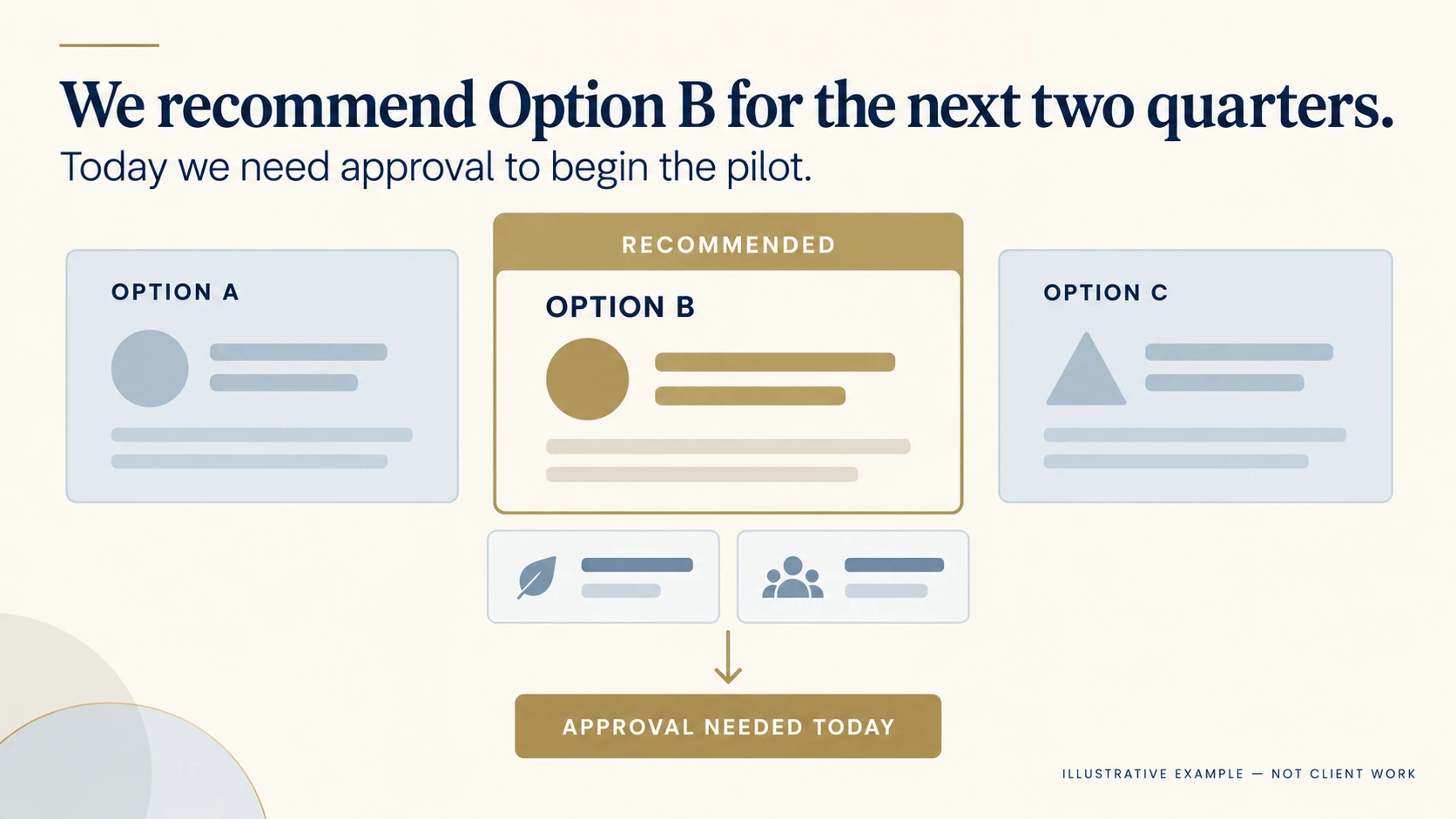
Illustrative example, not client work.
The second version is not fancier. It gives the audience a clearer path:
- There is a recommendation.
- The recommendation is attached to a time frame.
- The audience knows what is needed now.
You do not need to make every slide louder or turn every meeting into a vote. Just do not make the audience reverse-engineer your conclusion from the evidence.
Three places where human review still matters
1. The title describes the topic instead of the point
AI will happily give you titles such as:
- Regional expansion options
- Customer feedback overview
- Project update
- Q3 performance review
These titles tell the audience what the material is about. They do not tell them why it matters.
A more useful title might say:
- Option B gives us the lowest-risk path into the next region
- New users are getting stuck before the first useful action
- We need a scope decision before the deadline moves
These are illustrative examples, not magic formulas. The test is simple: can the audience see the direction of the argument before the explanation begins?
2. Every option is given equal weight
A deck can present three options in three identical cards with three identical headings, then reveal the recommendation somewhere near the end.
Now the audience has to do the prioritising for you.
If one option is recommended, show it. Explain the other options if they matter, but do not give them equal weight when the decision is not actually balanced.
Equal visual weight can make every option look equally important. That may be tidy design. It is not always useful decision support.
3. The evidence arrives before the audience knows what it is for
Background, data, process detail, and context all have a place. The problem is where they arrive.
If the audience sees ten slides of evidence before they know which question the evidence is meant to answer, they have to hold the entire investigation in their head while waiting for the conclusion.
Give the evidence a job early:
“We are recommending Option B. The next three slides explain why it gives us the strongest balance of speed, cost, and implementation risk.”
Now the audience knows what to look for. The detail has somewhere to land.
Run a short decision-visibility check
Before you spend another hour polishing the wording, try this five-minute check:
- Write the audience’s likely next decision or action in one sentence.
- Mark the first place in the deck where the recommendation or main point becomes visible.
- Circle any slide where the audience has to choose between options without guidance.
- Write down the two or three pieces of evidence the audience actually needs before acting.
- Read the opening and ending aloud. Do they point to the same decision path?
If you cannot answer the first question, the presentation may still be deciding what it wants from the audience.
If the recommendation appears only at the end, ask whether the earlier slides are building useful understanding or simply delaying the point.
If the opening and ending ask for different things, the problem is not your transitions. The presentation needs a clearer job.
Human review checks more than wording
AI can help with drafting. It can help you find a cleaner sentence, a shorter transition, or a more consistent structure.
Human review asks a different set of questions:
- What judgment is this presentation making?
- What does the audience need to understand before that judgment feels reasonable?
- Which options deserve attention, and which are background?
- What should the audience be able to do when the presentation ends?
When the presentation matters, “technically clear” is not enough. It still needs to be easier to trust, easier to follow, and easier to act on.
If you are not sure whether the problem is the wording, the structure, the slides, or the decision path, start with the current material. Send it for a Free Presentation Diagnostic. You will get focused feedback on what to improve first and the recommended next step.